

A narrower image, with the same proportions
Reduce the width for a smaller layout while keeping the subject’s proportions.
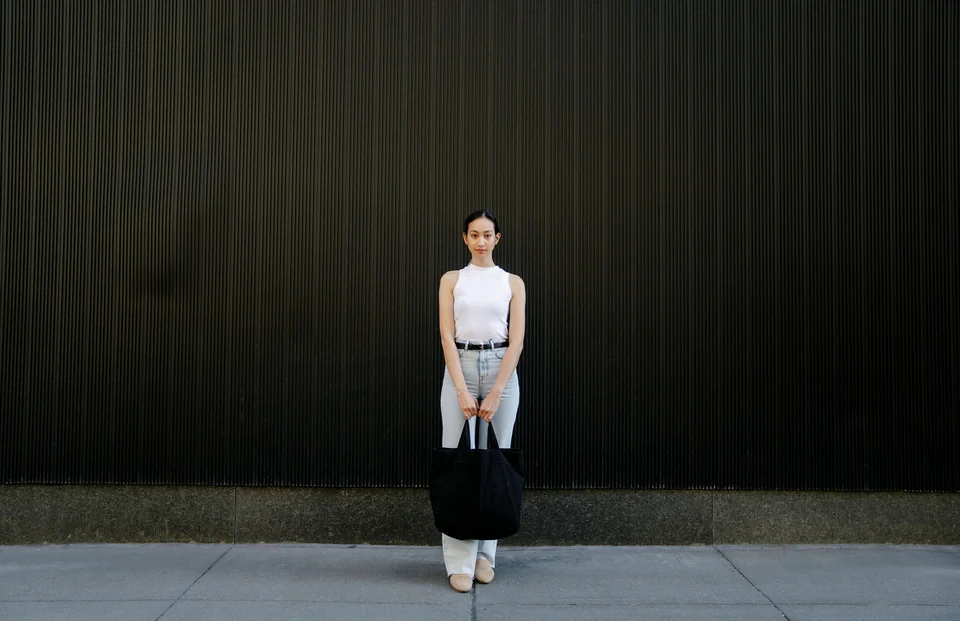
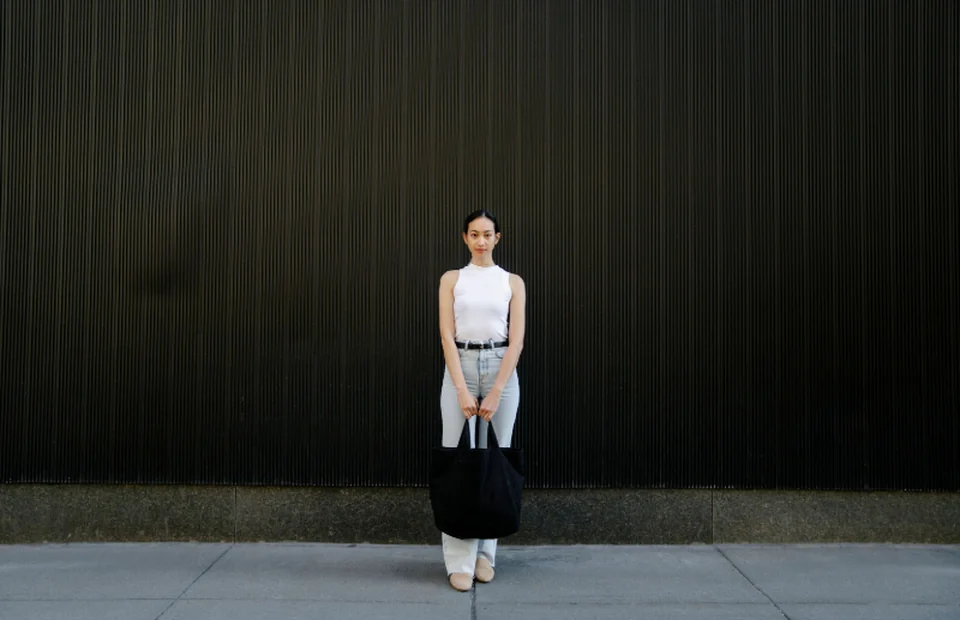
1536 × 993 px → 800 × 517 px.
- Original dimensions
- 1536 × 993 px
- Target width
- 800 px
- Exported dimensions
- 800 × 517 px
How to do it
- Open the photo and keep the aspect ratio locked.
- Set the width to 800 px. The height adjusts with it.
- Export the image and check its new dimensions.
Resizing changes dimensions. File size also depends on format and quality.